Cloud gaming is reshaping how players get and enjoy games across PCs, consoles, and mobile devices. As broadband speeds climb and cloud technology matures, more titles can be streamed straight from online services, turning "play anywhere, on any device" from a slogan into something close to reality.
The idea is appealing, but the moment players line cloud gaming up against the hardware they already own, questions about performance, reliability, and long-term value start to surface. On one side sit lower hardware barriers and instant, install-free play. On the other are latency, network dependence, and the nagging issue of whether you actually own what you play. Below we break down what cloud gaming is, how it works, and where its real strengths and weaknesses lie, so you can decide whether it fits your needs.
What Is Cloud Gaming (Game Streaming) and How Does It Work?
In plain terms, cloud gaming runs the game on a server in a remote data center rather than on your local PC or console. You may also hear it called "gaming on demand" or "gaming as a service." The core logic is simple: with a fast, stable connection and a subscription to a cloud provider, you can play the latest titles across a range of devices.
The concept has been around since the late 2000s, but limited network conditions kept it from seriously challenging PCs and consoles back then. Only in recent years, helped by better technology and faster connections, has it returned to the spotlight and begun delivering on its original promise.
In practice, most platforms are reached through a dedicated app or a web browser. After signing up and subscribing, you can start streaming and play with your own controller (most support Bluetooth); some services also offer touch controls so phones and tablets can join in.
Is Cloud Gaming the Same as Online Gaming?
No. Online gaming means connecting or competing over the internet, but the game still runs on your own hardware—your device handles performance and visuals, while the connection mainly supports multiplayer, updates, and downloads.
Cloud gaming flips that around: all the processing happens on a remote server and is sent back to your screen as a video stream. The burden shifts from hardware power to network quality, which means speed, bandwidth, and latency weigh far more heavily on the experience. That is exactly why cloud gaming is more demanding of your connection.
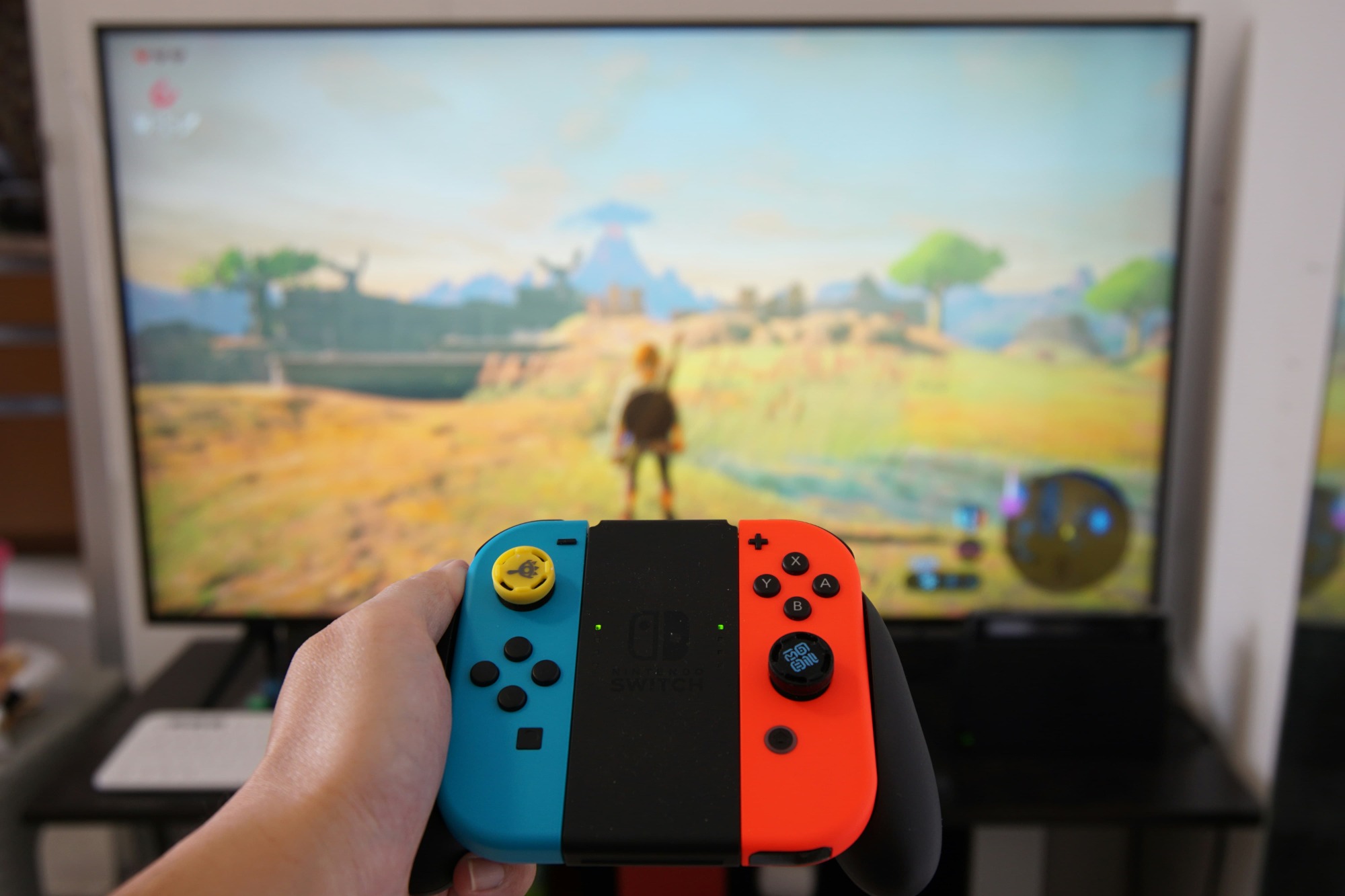
A Look at the Major Cloud Gaming Services
Plenty of providers now offer cloud gaming, and these examples show how it has become an increasingly established part of the wider gaming ecosystem:
• GeForce NOW: From NVIDIA, it first arrived in beta in 2015 and moved to a full release in 2020. Its hook is letting you stream games you already own on Steam, the Epic Games Store, GOG, and other storefronts, with support for thousands of PC titles.
• Xbox Cloud Gaming: Offered by Microsoft through the Game Pass Ultimate subscription, it gives access to hundreds of rotating library titles, including backward-compatible Xbox games, with no dedicated hardware required. Streaming typically runs at up to 1080p/60fps across Xbox consoles, iPhone and Android devices, Windows PCs, Samsung Smart TVs, Meta Quest headsets, and more.
• PlayStation Plus (cloud streaming): Sony's cloud streaming traces back to PlayStation Now, unveiled at CES in 2014, and later folded into PlayStation Plus Premium in 2022. The library spans new releases and classics reaching back to the PS2 era; streaming quality varies by game, device, and connection, topping out at 4K/60fps.
• Netflix Games: A newer effort that blends online and cloud play, bundled into a standard Netflix subscription. It began on mobile and is gradually expanding to select Smart TVs and PCs, leaning toward lighter, more accessible experiences rather than traditional console or PC blockbusters.
There are many more services beyond this list. Alongside full platforms, some companies—such as YouTube with its Playables feature—offer download-free, browser-based instant play, a sign that streaming and on-demand experiences keep evolving across different platforms. Which one suits you comes down to what you play most and how you prefer to access it.
The Advantages of Cloud Gaming
Cloud gaming's biggest draw is the flexibility it offers over traditional consoles and PCs. By removing the need for local processing and huge downloads, it makes cross-device access easier, with lower hardware barriers and shorter setup time.
Broad device and controller support
Cloud gaming works across PCs, Macs, smartphones, tablets, and Smart TVs. Because the heavy lifting happens remotely, you don't need a high-powered machine to play modern blockbusters. Most services are reached via an app or browser on Windows, macOS, Android, and iOS, with some Smart TVs supported natively. On the input side, Xbox and PlayStation controllers, keyboard and mouse, and mobile touch controls all work, giving you plenty of freedom in how you play.
No high-end hardware needed
This is one of cloud gaming's core selling points. Since processing lives on cloud servers, you can access games on almost any compatible device (within the provider's terms). A reliable broadband connection is enough—no need to invest in a dedicated gaming PC or console.
Instant play, no downloads or updates
Cloud gaming delivers near-instant access, sparing you long downloads and installs. With games running remotely, you can jump in within seconds through a browser or app, while updates, patches, and maintenance are all handled by the provider, ensuring you always run the latest version. That saves time and sharply reduces the need for large local storage.
A vast subscription library
Subscription services typically come with huge game libraries, letting you switch freely among many titles without buying each one—ideal for players who like to sample genres or change games often. That said, this freedom has to be weighed against the ongoing subscription cost and the reliance on a stable connection.
The Disadvantages of Cloud Gaming
For all its convenience, cloud gaming has a few drawbacks worth taking seriously. Most relate to performance, network dependence, and how games are accessed and controlled, with the impact varying based on how and where you play.
Speed and bandwidth requirements
Because the picture is streamed from a remote server in real time, cloud gaming leans heavily on a fast, stable connection and can burn through significant data over long sessions—a problem for anyone on a capped or slower plan. Performance fluctuates with network conditions, making cloud gaming less reliable in areas with limited or unstable connectivity. Xbox Cloud Gaming's official FAQ, for instance, recommends at least 10 Mbps for mobile devices and 20 Mbps for consoles, PCs, and tablets, along with a stable connection such as 5 GHz Wi-Fi.
Latency
Latency remains one of cloud gaming's defining challenges. Input commands have to travel to a remote server and back in real time, so even a small delay can affect how a game feels. Advances in server infrastructure and networking have cut latency considerably, but the result still depends on connection quality, distance to the data center, and congestion. As a result, some players notice more input lag or sluggish response than they would playing locally.
Game selection, ownership, and licensing limits
With cloud gaming, niche and indie titles are often out of reach—and more importantly, you don't truly own what you play. You're granted access under a subscription or streaming model, and library titles can be added or removed at any time. If a licensing agreement changes or expires, certain games may disappear. Unlike traditional downloads or physical discs, you can't keep or install a game permanently; long-term access rests entirely on the provider's library and terms of service.
Limited control over settings
To keep streaming stable for everyone, providers manage many of the visual and system settings themselves, leaving players with limited room to adjust. Video compression is central here: the image is compressed before it reaches you to conserve bandwidth. That boosts efficiency, but compared with a local download or a dedicated device, it can also mean lower image quality, reduced sharpness, or visible compression artifacts.
Cloud Gaming vs Console and PC Gaming
Settling the comparison takes more than specs—it means looking at how players actually play. Convenience, performance expectations, hardware investment, and long-term access combine to determine whether cloud gaming is a strong choice for you or a compromise. Breaking it down by player type makes it easier to see whether it's a practical alternative or whether local play fits you better.
Who is cloud gaming best for?
Cloud gaming isn't for everyone, but if your play style, devices, and connection line up, it can be a great fit:
• Casual players who want quick, easy sessions without paying for an expensive console or PC. With no downloads or installs, setup and investment stay minimal.
• Mobile players, since it works on smartphones and tablets—at home or on the go, with touch controls or a connected controller.
• Users on low-spec or older hardware, who get a practical alternative to upgrading; even graphically demanding AAA titles can run on machines that otherwise couldn't handle them.
• Anyone with a fast, stable connection, which is essential for smooth visuals, low latency, and consistent quality.
Who should think twice about cloud gaming?
It performs well in many scenarios, but it genuinely isn't right for everyone:
• Competitive players, where split-second reactions and precision matter; even minor latency can hold you back, so local play is the safer bet for high-level matches.
• Users with slow or unstable connections, since real-time streaming makes a weak network show up as lag, buffering, and reduced image quality.
• Players who want full customization or like to mod, as many services restrict advanced visual options and don't allow user modifications, with games managed remotely.
• Players who value long-term ownership and reliability, since access depends on service availability and licensing, and titles can be pulled at any time—traditional purchases offer more peace of mind.
Is Cloud Gaming the Future of Video Games?
For now, it hasn't replaced the traditional model of buying and playing games on a console or PC. But services with built-in cloud streaming, like Xbox Game Pass and PlayStation Plus, are helping normalize an entirely new way to play. Technical limits mean that in parts of the world, cloud gaming still isn't viable for many demanding, high-frame-rate AAA titles—yet dismissing the technology outright would be shortsighted.
As internet infrastructure keeps improving and streaming grows more reliable, cloud gaming services are likely to keep expanding, putting high-quality games within reach on a wider range of devices. At the same time, latency, data consumption, and long-term ownership will keep many players leaning toward local play.
The more realistic picture is this: cloud gaming probably won't replace existing platforms but will coexist with consoles and PCs over the long run. By offering a more flexible take on when and where you play, it gives players another option—one that complements traditional gaming setups rather than simply competing with them.










